Before You Hit Go Live for the First Time
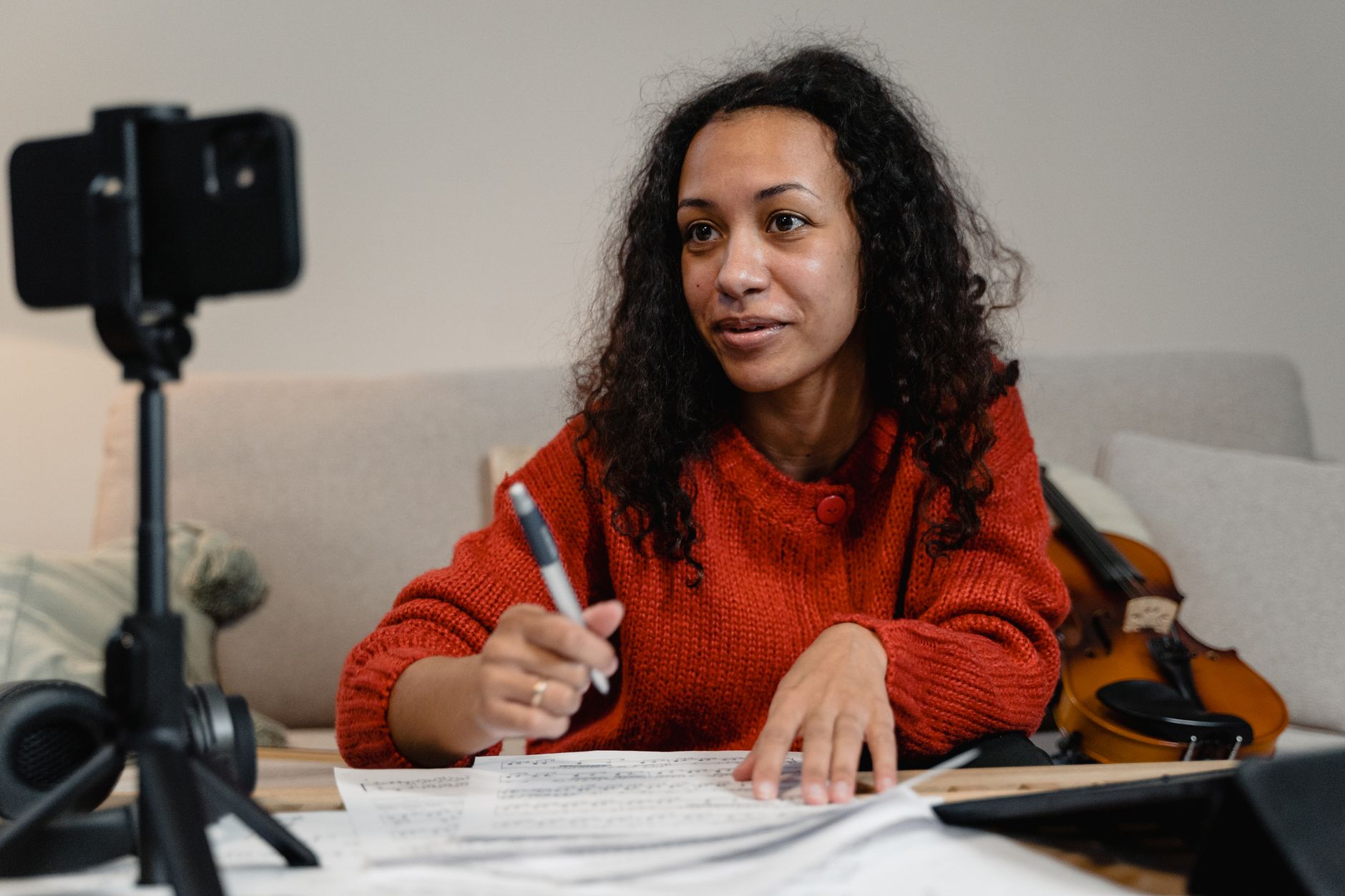
The recording you lose is almost never the one you meant to keep failing—it’s the one you assumed was being saved while you were busy talking. First-time streamers tend to focus everything on the going-live moment and nothing on what happens to the footage after it stops. That gap is where hours of work vanish. A little planning in the days before you start closes it.
Pick What You’re Actually Trying to Keep
Before you touch any settings, decide what the recording is for. A local recording saved straight to your machine, a copy stored by the platform you’re streaming to, and a separate high-quality capture for later editing are three different things, and they don’t all happen automatically. If your goal is a clean master file to cut a highlight reel from, the auto-generated platform archive won’t be enough. If you only want a rough reference of what was said, you can skip the heavier setup entirely.
Write down the answer in one sentence: what file, at what quality, ending up where. That single decision drives everything else on this list, and it stops you from configuring for one outcome while expecting another.
Test Your Setup Days Ahead, Not Minutes
Give yourself a genuine buffer. Testing your capture the morning of your first stream means any surprise becomes a crisis. Testing it three or four days out means a surprise is just a task. Run a short recording, stop it, and actually open the resulting file. Watch it back with sound. Check that the video isn’t stuttering, that audio and picture stay in sync, and that the file lands in the folder you expect rather than some default temp location you’ll never find again.
People who care most about this—families archiving a memorial service, small clubs capturing a match, volunteers documenting a community meeting—are usually the ones with the least room for a redo, and the same care they bring to holding onto shared memories is exactly what a first-time streamer should borrow. Treat the test as if the real thing depends on it, because next time it will.
Reserve Enough Space and Backup Storage
Recorded video is large, and it grows faster than most people expect. A high-resolution stream can eat several gigabytes an hour, so a two-hour session can easily outgrow the free space you thought you had. Check your available drive space against a realistic estimate for your length and quality, then leave a comfortable margin on top.
Have a second location ready before you begin—an external drive, a cloud folder, or a spare partition. The point isn’t to copy everything twice mid-stream; it’s to know exactly where the recording will move the moment it ends, so it never lives in only one place for long.
Rehearse the Failure Scenarios
Ask yourself what you’d do if the software crashed twenty minutes in, if your internet dropped, or if the recording indicator was never actually on. For each one, have a plain answer. Keep a phone propped up as a rough backup capture. Know the keyboard shortcut that confirms recording is running. Decide in advance whether a mid-stream failure means you restart the recording or push on and stitch it later.
You don’t need elaborate contingencies. You need to have thought about the three or four things most likely to go wrong so that when one does, you react instead of freeze.
Do a Full Dry Run the Night Before
The night before, run the whole thing end to end at real settings. Start the stream, record for several minutes, talk the way you plan to, then stop everything and inspect the output as your finished product. This is also when you confirm the small stuff: microphone gain, framing, lighting that shifts once the sun goes down. A dry run in the same room at the same time of day tells you more than any checklist.
Set a Plan for Saving and Sorting Afterward
Decide now how you’ll name and file the recording, because “untitled_final_2” multiplied over months becomes a mess no one can search. Pick a simple pattern—date, topic, part number—and a home folder. Note where the master goes and where any working copies live.
Get these decisions out of the way before you go live, and the recording becomes the one thing you don’t have to worry about while everything else demands your attention. Your first stream will teach you plenty; make sure it’s the only thing you’re improvising.